Auto captions in 100 languages.
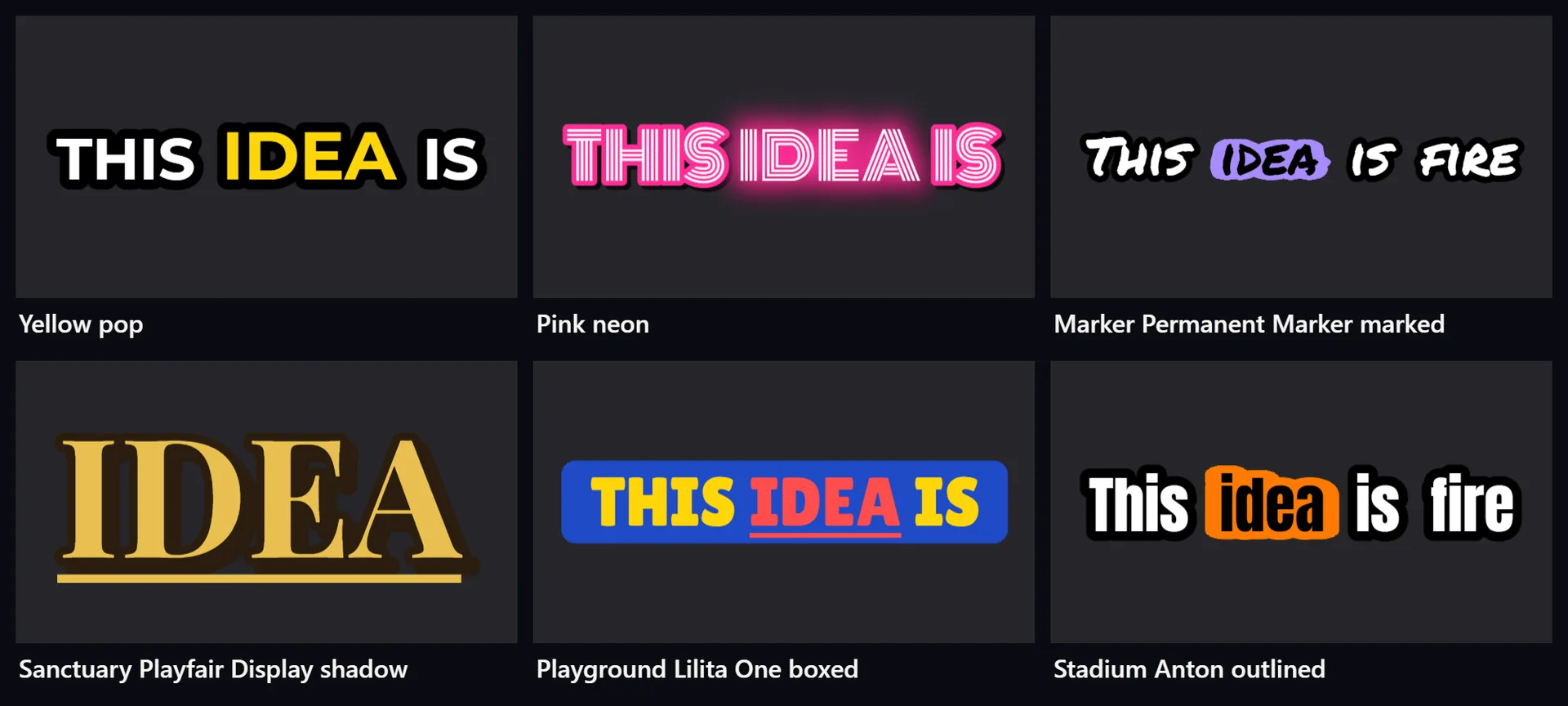
TezCut makes captions from what is said in a video, in 100 languages, on your computer or on your own speech account, and draws them in 1,701 styles, right to left for Urdu and Arabic.
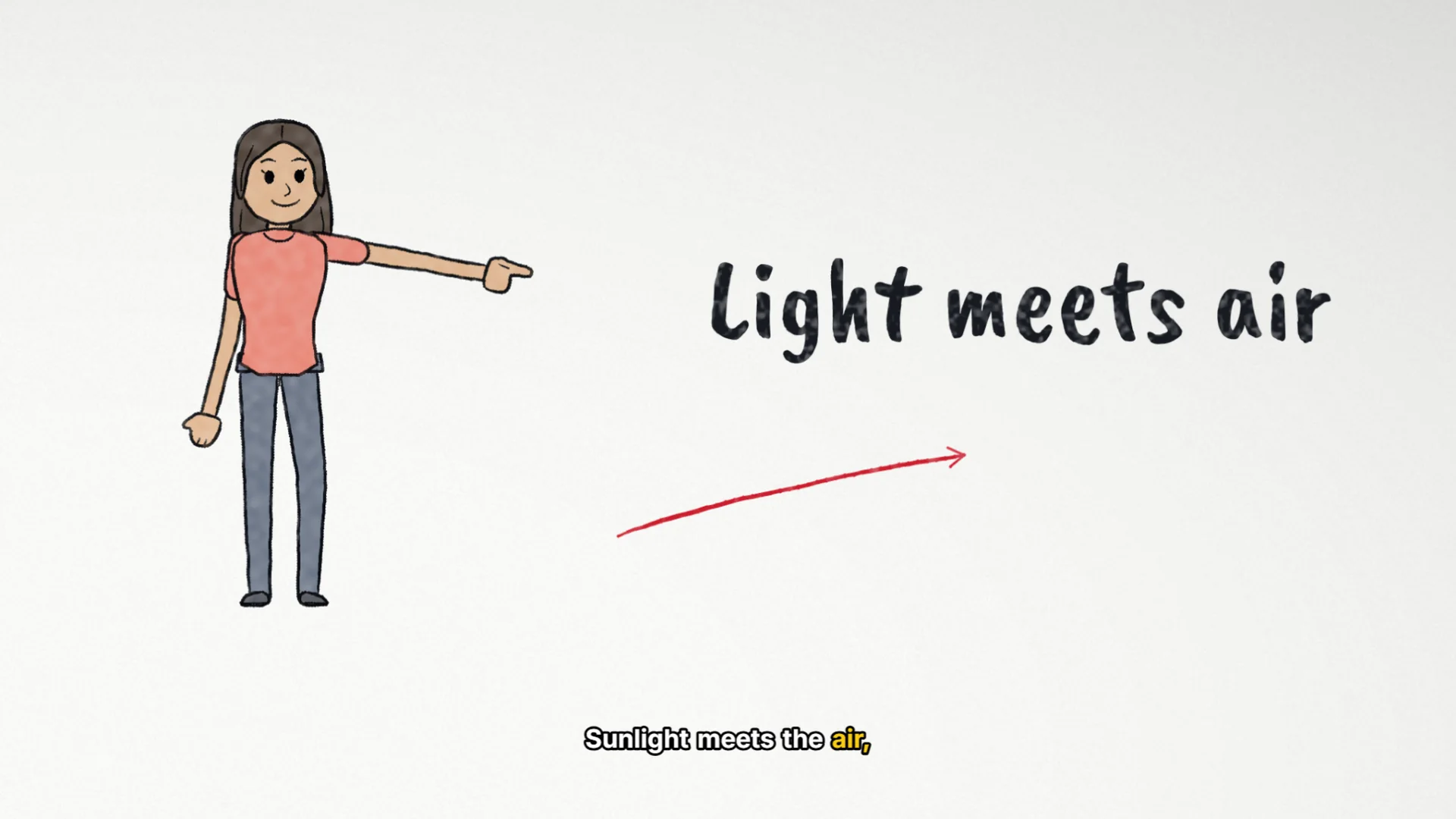
Every word is timed, so the spoken word can light up as it is said. Fix the words in a transcript, translate them, and bring subtitle files in or take them out.
- Windows 10 and 11
- The whole editor on Free
- Your projects stay on your computer
How it works
4 steps, one app.
Open Auto captions
Choose the sound to caption, the language that is spoken, and a style.
Made on your computer or your account
On this computer, with a captions pack downloaded once and no internet after that, or on your Groq or OpenAI account. Groq's free tier needs no card.
Every word timed
The words land on a caption track, each timed to the voice, the spoken one lit by colour, a box, a pop or a glow.
Edit, then export
Fix a word, split, merge or re-time lines in the transcript, then burn the captions into the video, or save them as SRT or VTT.
What you get
Made for the job.
100 languages
Whisper's list of languages, on your computer or on your account.
Right to left
Urdu in Nastaliq; Arabic, Persian, Pashto and Sindhi in Naskh; and Hebrew, each drawn right to left.
1,701 styles
Every one on every plan, Free too.
Word by word
Effects for the spoken word: colour, box, underline, pop, bounce, glow and more.
Translation
Into any of the 100 languages, with a language model on your account, as a new track beside the original.
Subtitle files
Import SRT and VTT files, and export them too.
Free or Pro
Start free. Go Pro when you grow.
TezCut runs on Windows 10 and 11, 64-bit, with 4 GB of memory or more. A Pro licence works on one computer: for more computers, buy a licence for each.
Free
Rs. 0 for good
Free is the whole editor, with export up to 4K, every caption style, filter and transition, and 5 videos a month from each of the Story, Whiteboard and Stickman Studios. Its exports carry TezCut's mark.
Download freePro
Rs. 1,000 a month
Pro takes the mark away, makes the Story, Whiteboard and Stickman Studios unlimited and adds email support, for Rs. 1,000 a month or Rs. 9,000 a year ($4.99 a month or $44.99 a year).
See the plans- Are TezCut's auto captions free?
- Yes. Auto captions and every caption style are on Free. Made on this computer they cost nothing; on an account, Groq's free tier needs no card.
- Do auto captions work offline?
- Yes, once the captions pack is downloaded: the model runs on your computer. Its European languages are its strongest; in the others it makes a rough draft to check. On your Groq or OpenAI account, every language is made by Whisper.
- Can captions be in Urdu or Arabic?
- Yes. Urdu is drawn in Nastaliq, and Arabic, Persian, Pashto and Sindhi in Naskh, right to left. Hebrew is drawn right to left too.
- Can I import or export subtitle files?
- Yes: SRT and VTT files, in and out.
- Can I translate captions?
- Yes, with a language model on an account you connect, into any of the 100 languages. The translation is a new caption track; the original stays.
More of TezCut
One app, every step.
-
AI video generator
A topic or your script, made into scenes of stock footage or painted pictures, with a voice, captions and music.
-
Whiteboard animation
Explainers drawn and written by hand on a whiteboard as they are read, a clip a board.
-
Stickman animation
Stick figures act out your story scene by scene, with a voice and captions.
-
Video editor
Timeline, keyframes, effects, filters, transitions, templates and export up to 4K.
See all of TezCut's features, the prices of Free and Pro, or download TezCut for Windows.